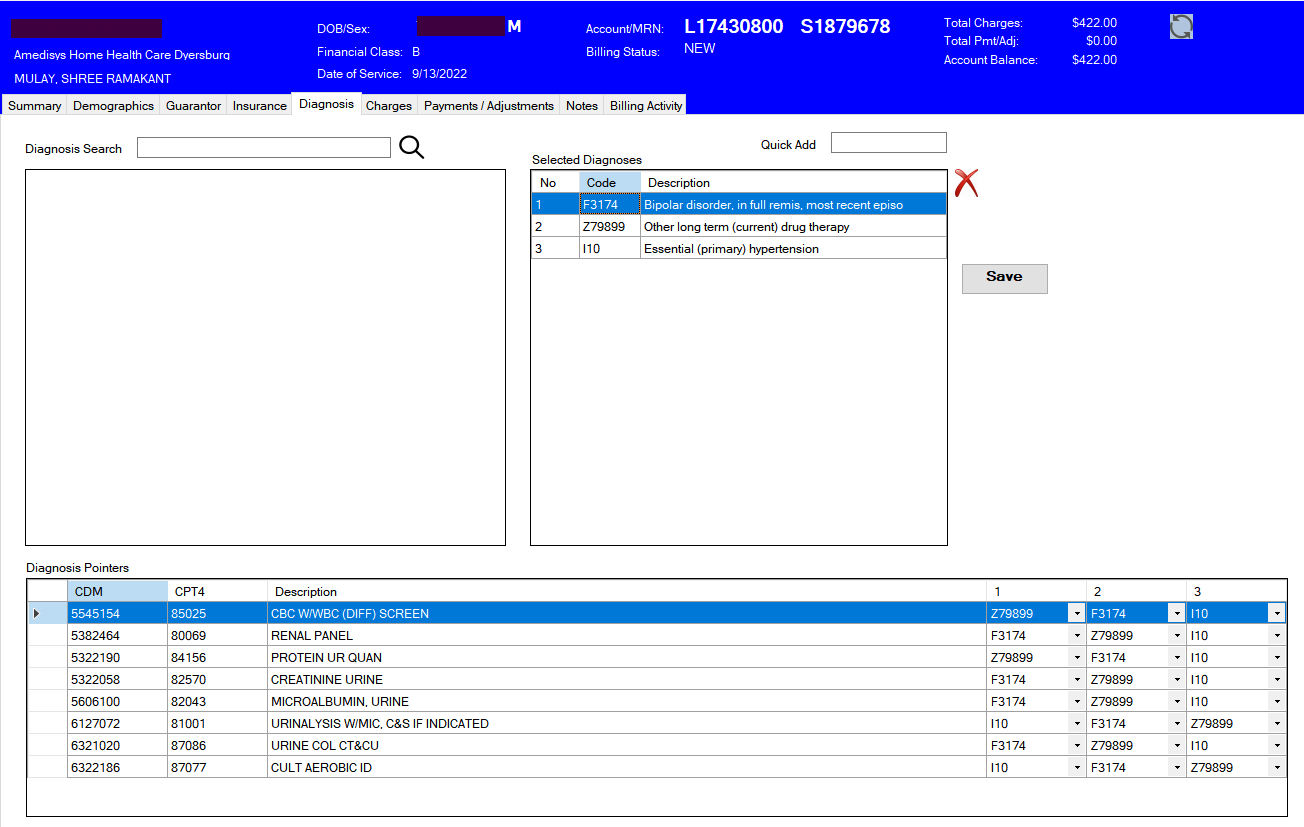
Diagnosis Tab
The Diagnosis tab is where diagnoses are associated with the account, and are associated with the charges.
- Charge/Diag pointers have been moved from the charge tab to the diagnosis tab.
- The Diagnosis Pointers grid lists the charges on the account with placeholders for diagnosis assignments. For each pointer location on the charge, drop down to select the diagnosis code. If a diagnosis code is selected in more than one position, the cells will turn red, and the change will not be saved to the database. Choose a different diagnosis for one of the fields to remove the red and save the changes to the database.
- The Save/Update buttons have been removed. Any changes made are written to the database immediately.
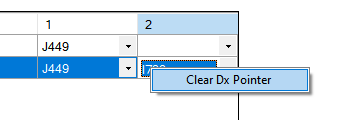
To clear a pointer value from a charge line, right-click the value to clear, then click "Clear Dx Pointer".