Provider Maintenance
Providers come into the system from the credentialing interface. If a provider is not in the system, open a ticket with IS to investigate the interface. Information for providers should be changed in the source system.
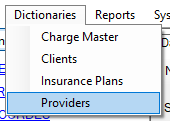
If a provider needs to be added manually, open the Provider Maintenance form from the Dictionary menu.
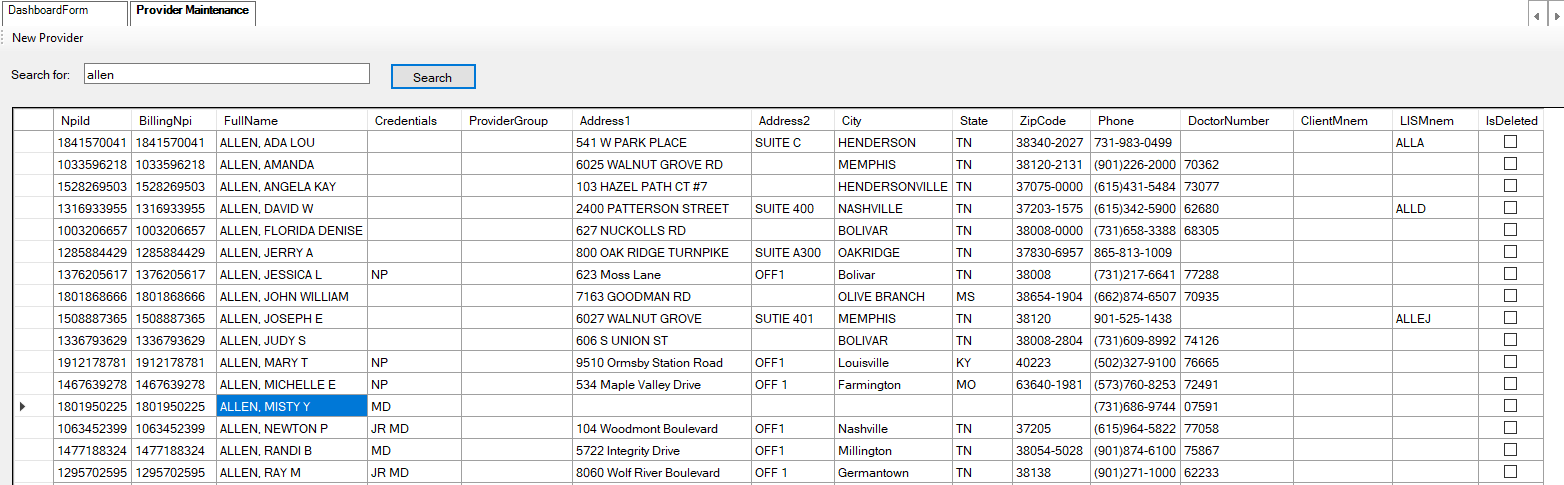
Enter a name in the search for box and click search to show providers with that name. Double-click a provider in the list to open it for editing.
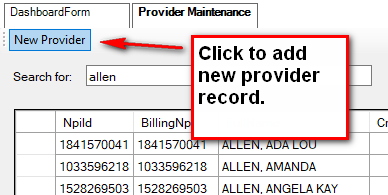
Click the New Provider button to add a new entry.
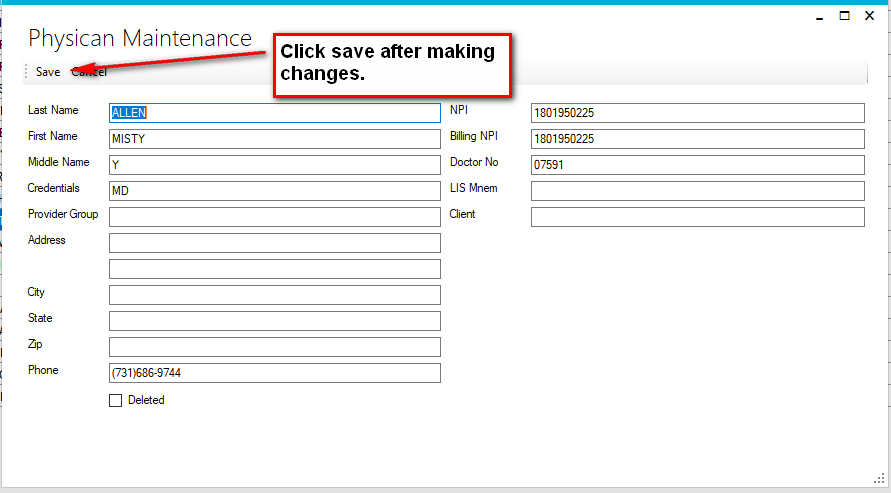
Add or edit a provider with the edit form. Click Save after completing the fields.