Move Charges Between Accounts
Moving charges between accounts involves crediting the charge on the source account and posting a new charge on the destination account.
To move a single charge:
Right-click the charge and click "Move Charge"

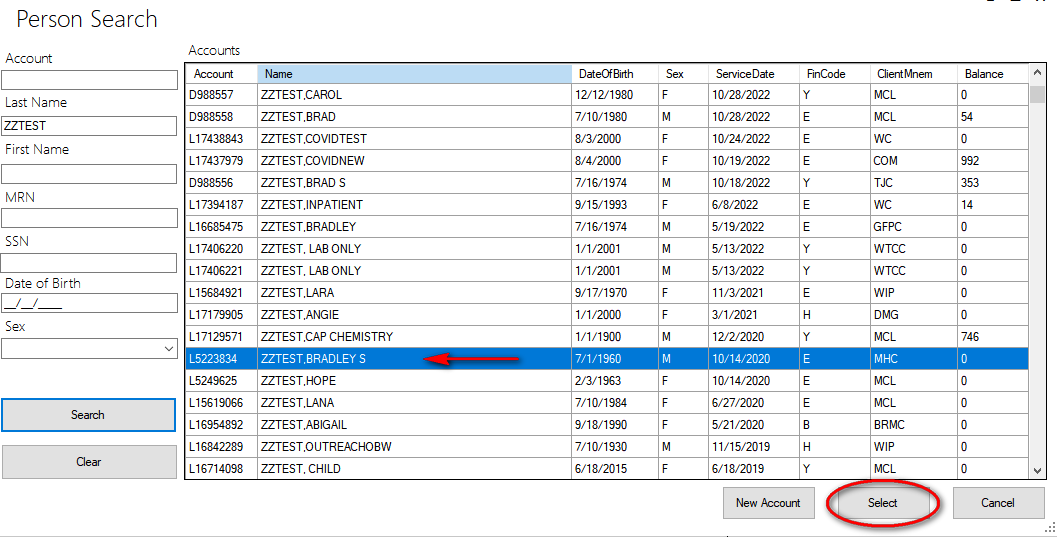
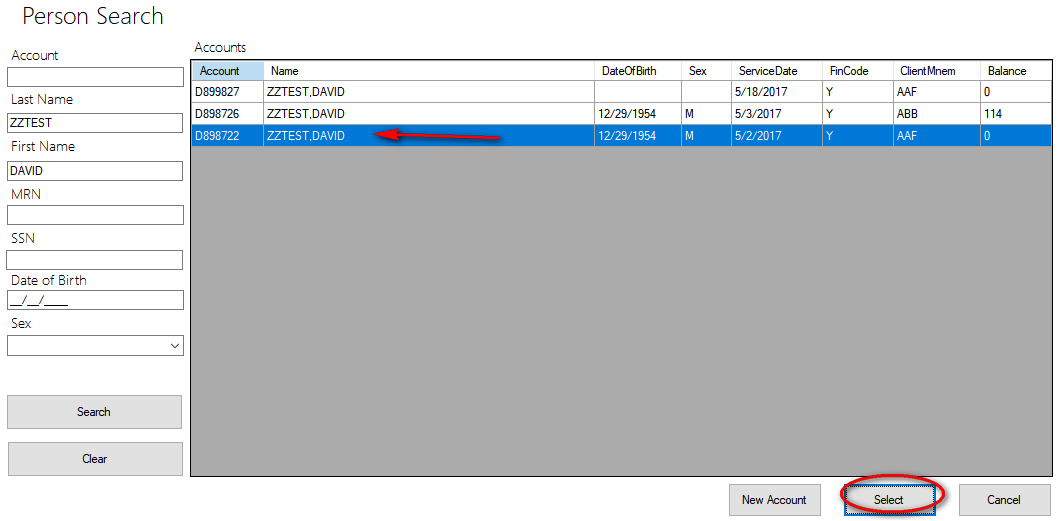
Search and highlight the destination account from the Person Search dialog, then click Select.
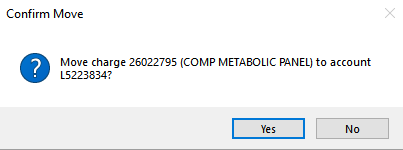
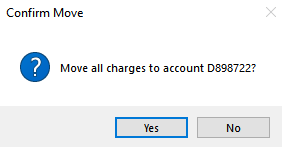
Confirm the move at the prompt.
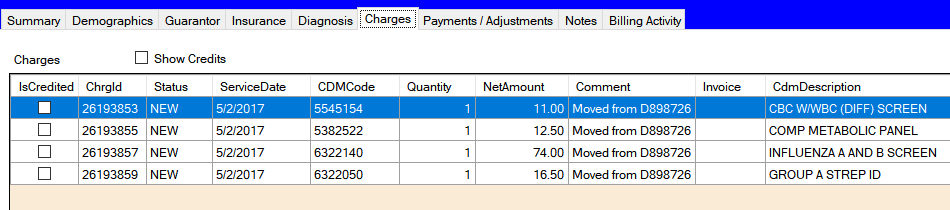
The credits and charges will have a comment reflecting the account moved to/from.


To Move all charges on an account:
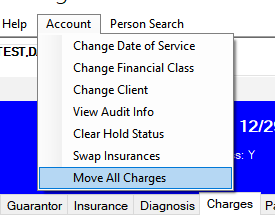
Under the account menu, click "Move All Charges"
Search and highlight the destination account from the Person Search dialog, then click Select.
Confirm the move at the prompt.
The source account will have all charges credited, with total charge amount of zero. Destination account will have the matching charges, each with a comment reflecting the move.